Toilet Posting Guide
Before you start
Most toilets on ToiletMap are added by people like you. One toilet you register can help the next person in a hurry.
Every submission is reviewed by an administrator before it appears on the map. Once approved, your daily limit for external place search goes up.
How to post a toilet
Tap the "+" button at the top right of the map
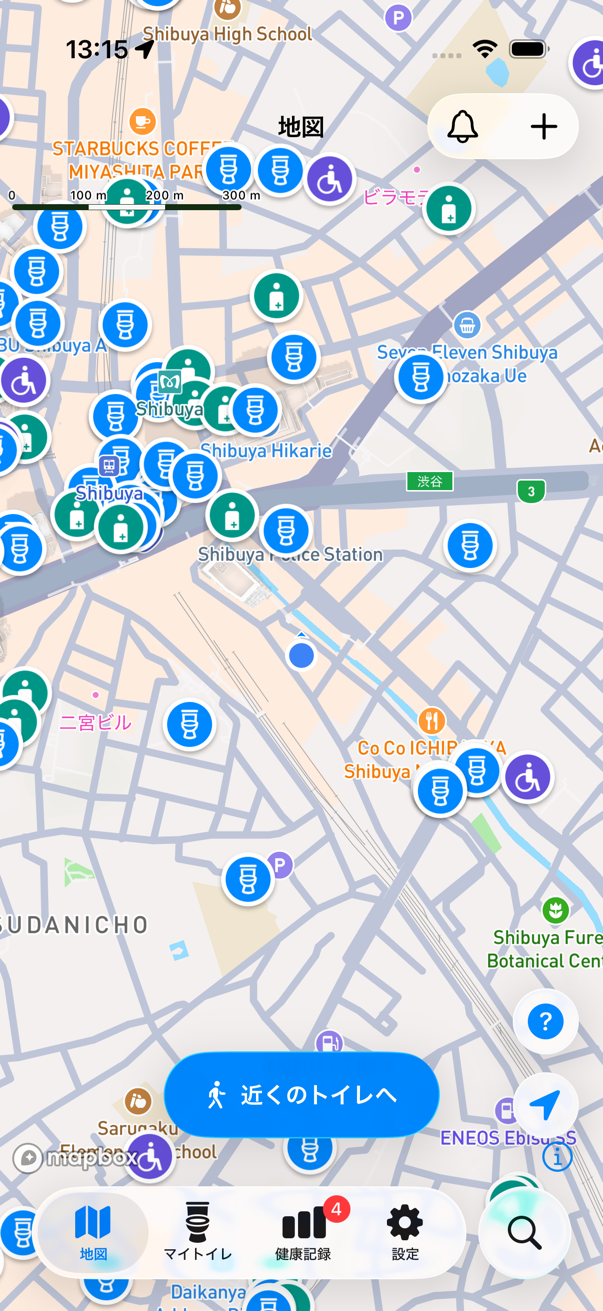
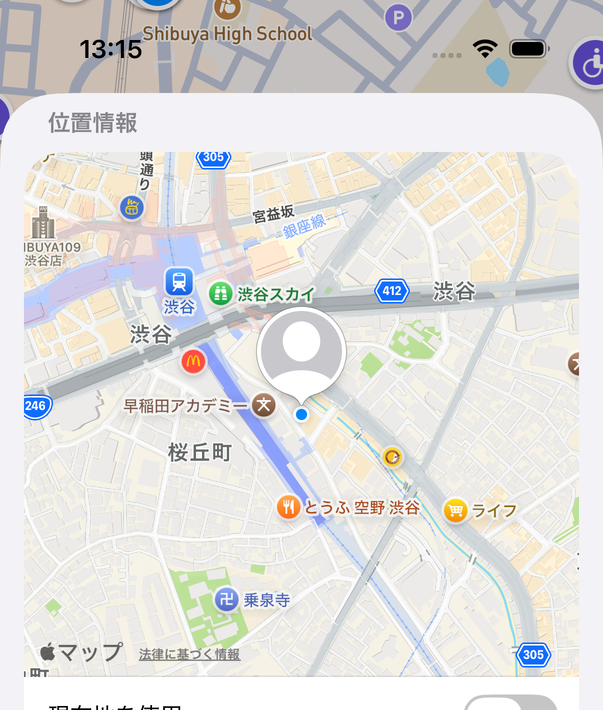
Tap the spot on the map where the toilet is
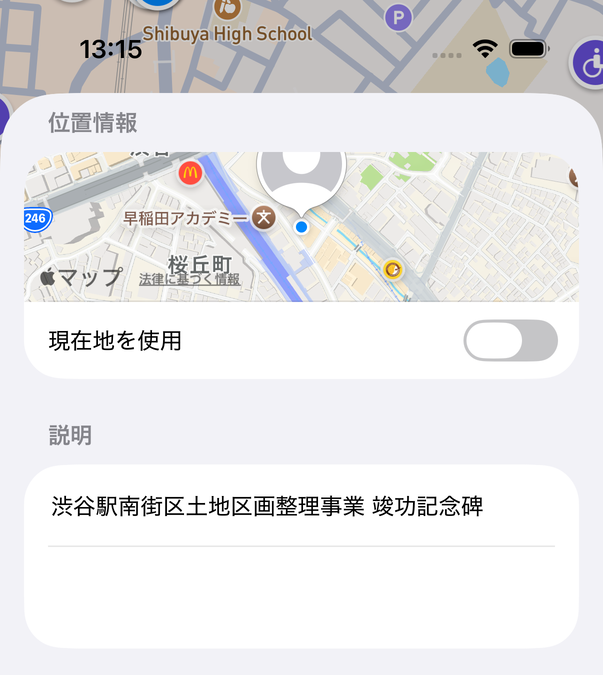
If there is a nearby place, its name is filled in automatically.
Enter the name of the toilet
This is the only required field.
If you know them, add facility tags, facility info, and toilet equipment
For example ostomate-friendly, multi-purpose toilet, or diaper changing station. You can edit these later.
You can add photos
Up to 3 for the exterior and up to 3 for the interior.
Tap "Register" at the top right
You need an account to register. If you do not have one yet, you can create it on the spot.
After you post
- Your toilet is marked "Pending review" and is published on the map after an administrator checks it. If you attached photos, it is published after the photos are reviewed too.
- You can check the status under "My Toilets" > "Created".
- Once approved, your daily limit for external place search increases by 10 (up to +25).
- If you have many submissions waiting for review, new registrations may be paused temporarily.
Photo rules
- Do not upload photos that show people (faces, bodies, shadows, feet). Make sure no one is around before you take a picture.
- Do not take photos where photography is prohibited.
- Use "Exterior" for the entrance or the outside of the building, and "Interior" for stalls and equipment.
- Do not use images from the internet or photos taken by someone else.
- The app warns you when it detects a person or an unrelated image. Photos with a warning will not be approved.
Information rules
- Set the exact location of a toilet you actually used. Submissions placed far from the real location will be removed.
- Enter equipment and type based on facts. Do not enter guesses or hearsay.
- Do not register toilets that are not open to the public, such as staff-only toilets.
- You cannot register at the same location as an existing toilet. If an existing toilet shows up, propose a correction to it instead.
Prohibited
- Posts that damage the reputation of a shop or facility
- False, exaggerated, or malicious content
- Photos or descriptions containing personal information
- Reposting other people's submissions or images without permission
- Content that violates laws or public order
Submissions that violate these rules may be removed without notice. You are responsible for what you post. If a facility asks us to remove a submission, we may hide or delete it at our discretion.
FAQ
- Some toilets cannot be edited.
- Toilets imported from OpenStreetMap or municipal open data cannot be edited directly because of the data providers' terms. Use "Suggest a correction" on the detail screen instead. See Data sources for the list of providers.
- Can a submission be rejected?
- Yes. Photos that show people, a wrong location, or a toilet that is not open to the public will not be approved.
- My toilet disappeared.
- If it duplicated an existing toilet, it may have been merged into that one. Submissions that break the rules are removed.
Your post helps the next person in a hurry.